The Open-Source Retro Cartridge Reader, Reinvented
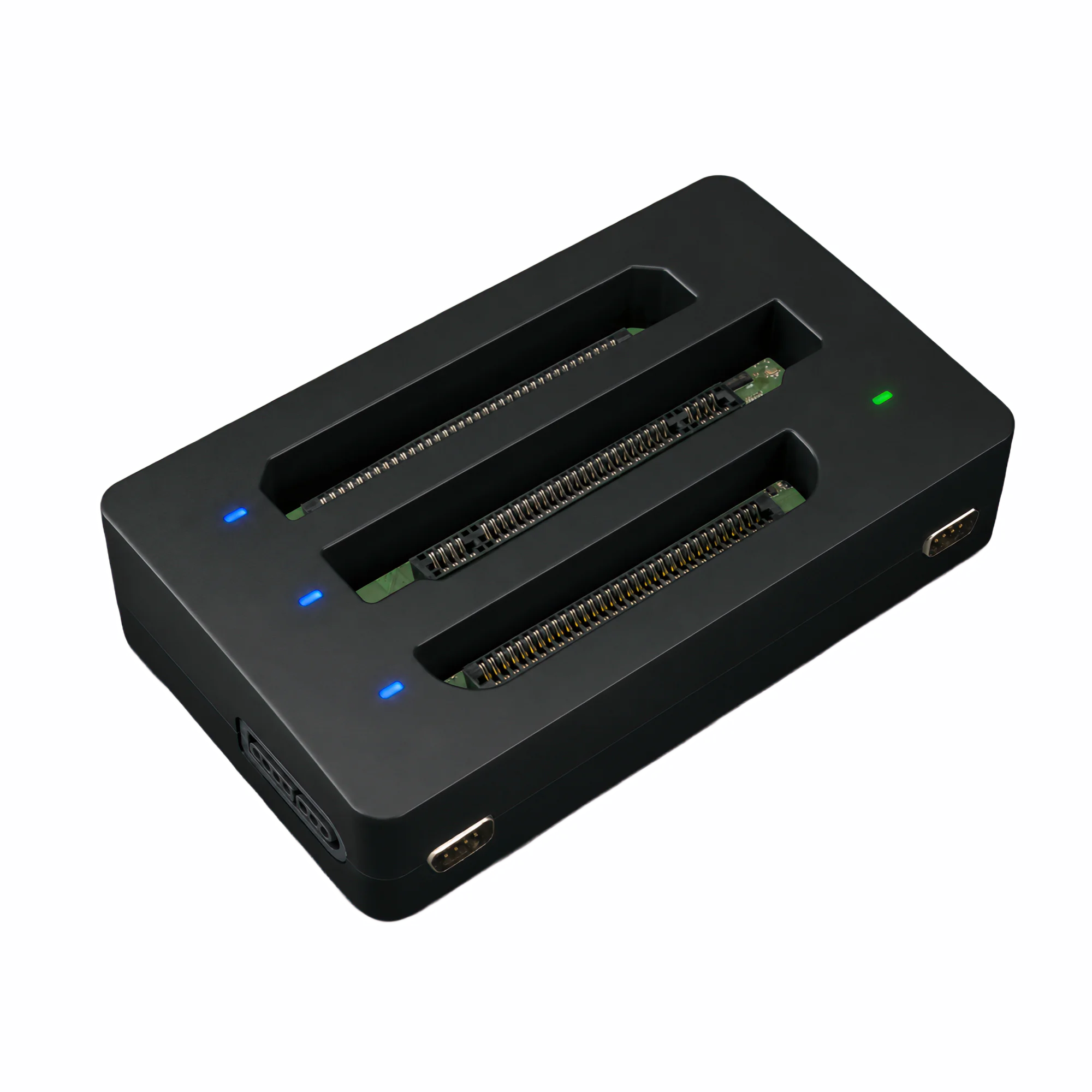
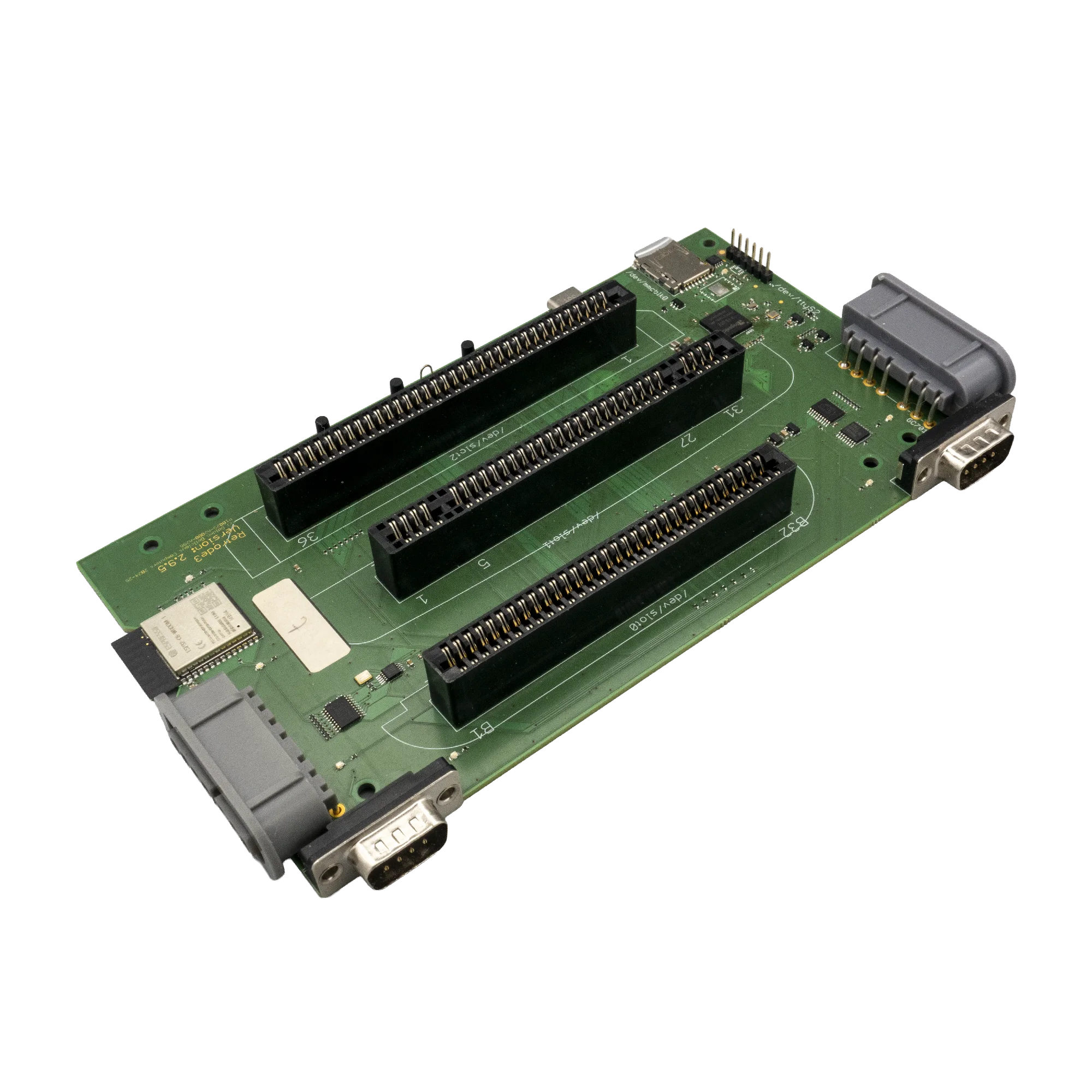
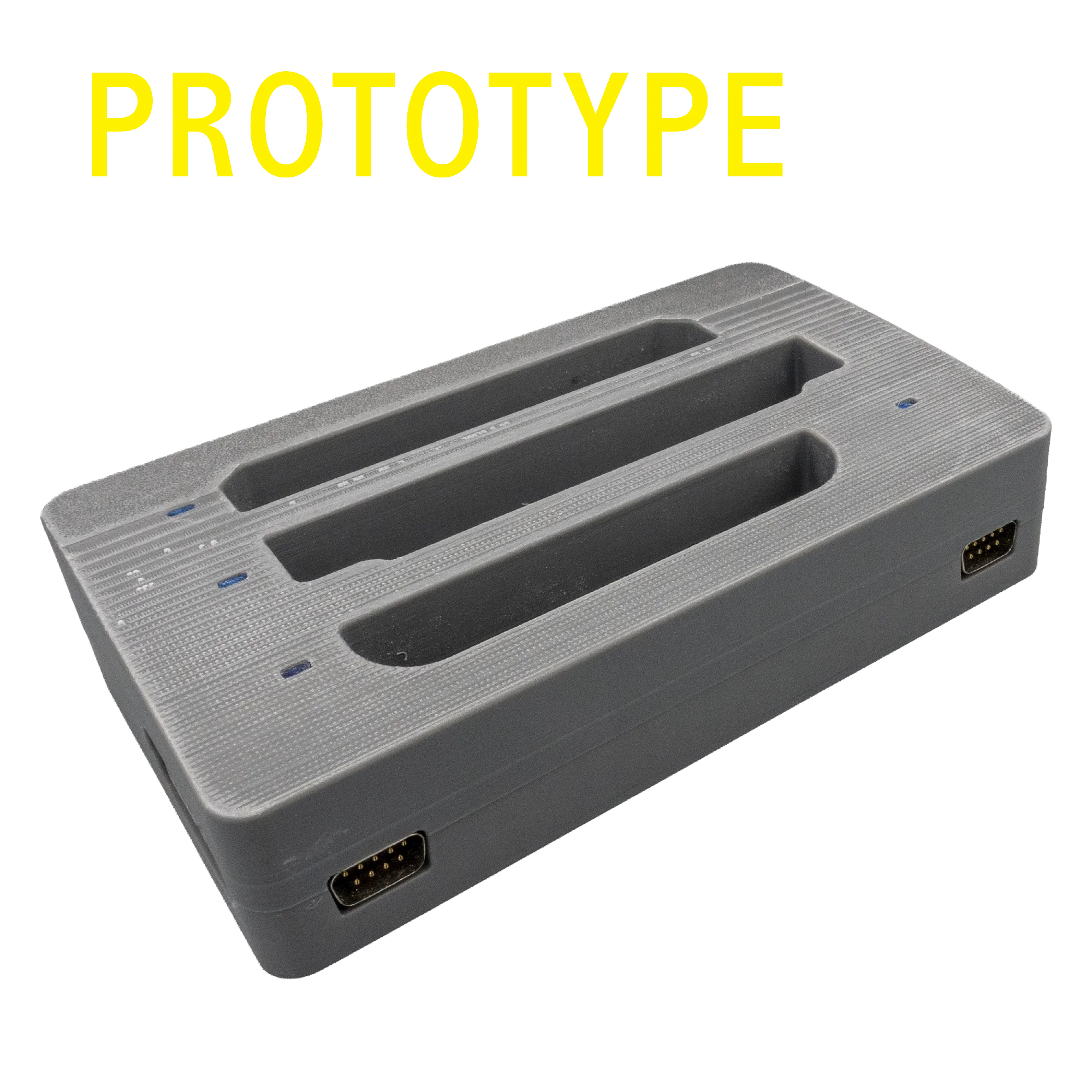
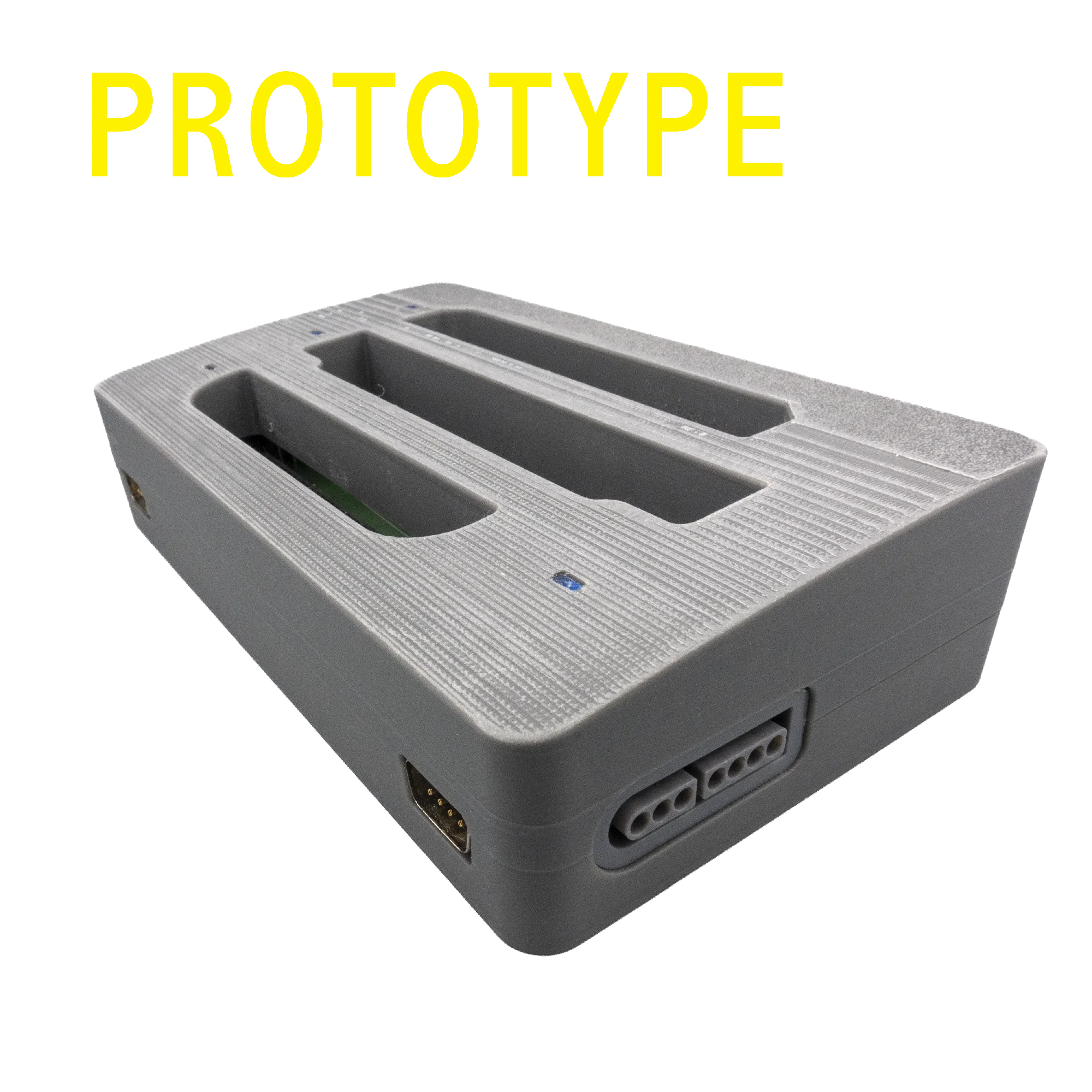
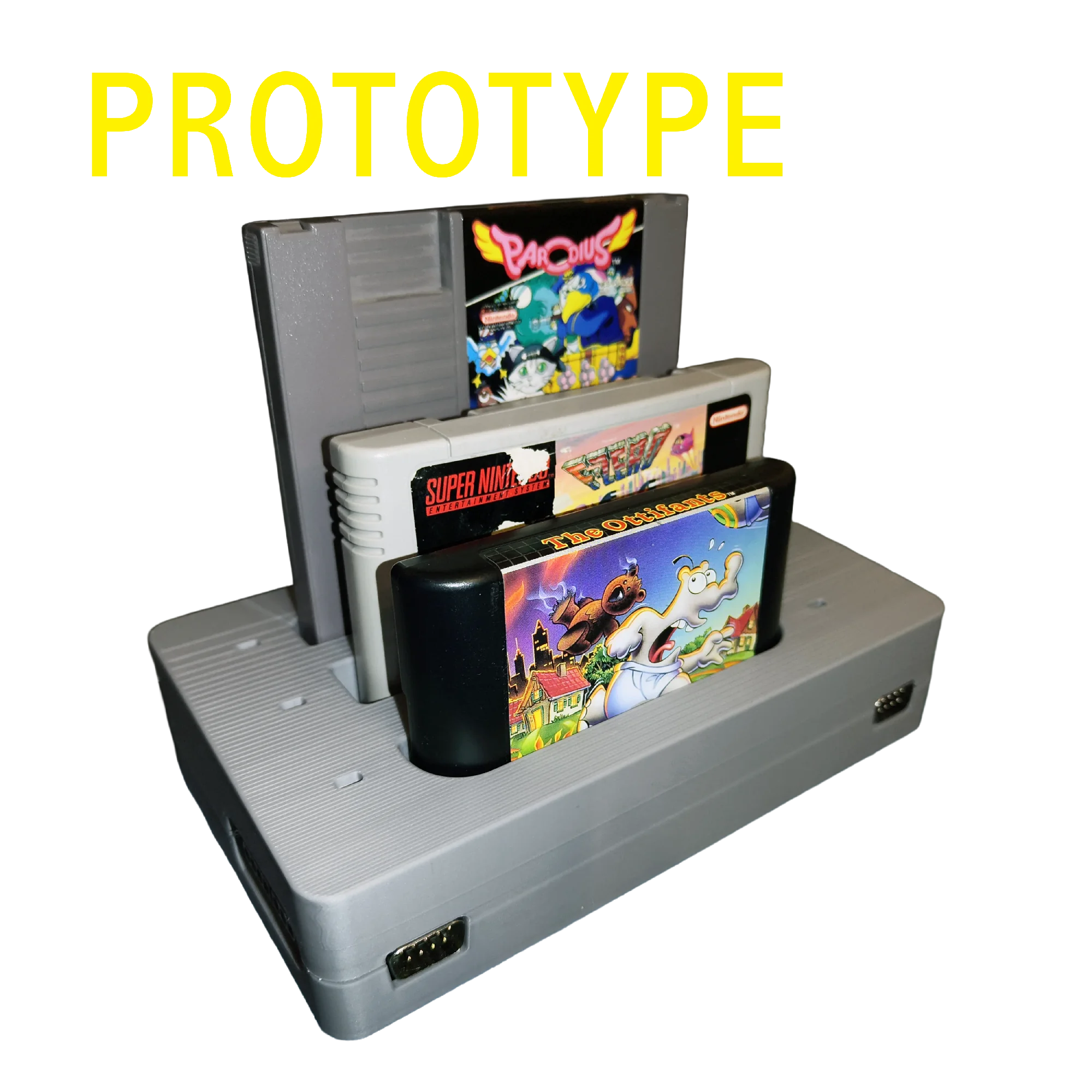
The Retrode3 is the successor to the Retrode2. Like its predecessor it lets you read your original cartridges and use your original controllers on a modern computer – but this time it is built around an MIPS processor running Linux, with built-in Wi-Fi and fully open software and hardware. The goal: combine the plug-and-play simplicity of the Retrode2 with the flexibility of Sanni’s Cart Reader.
Features
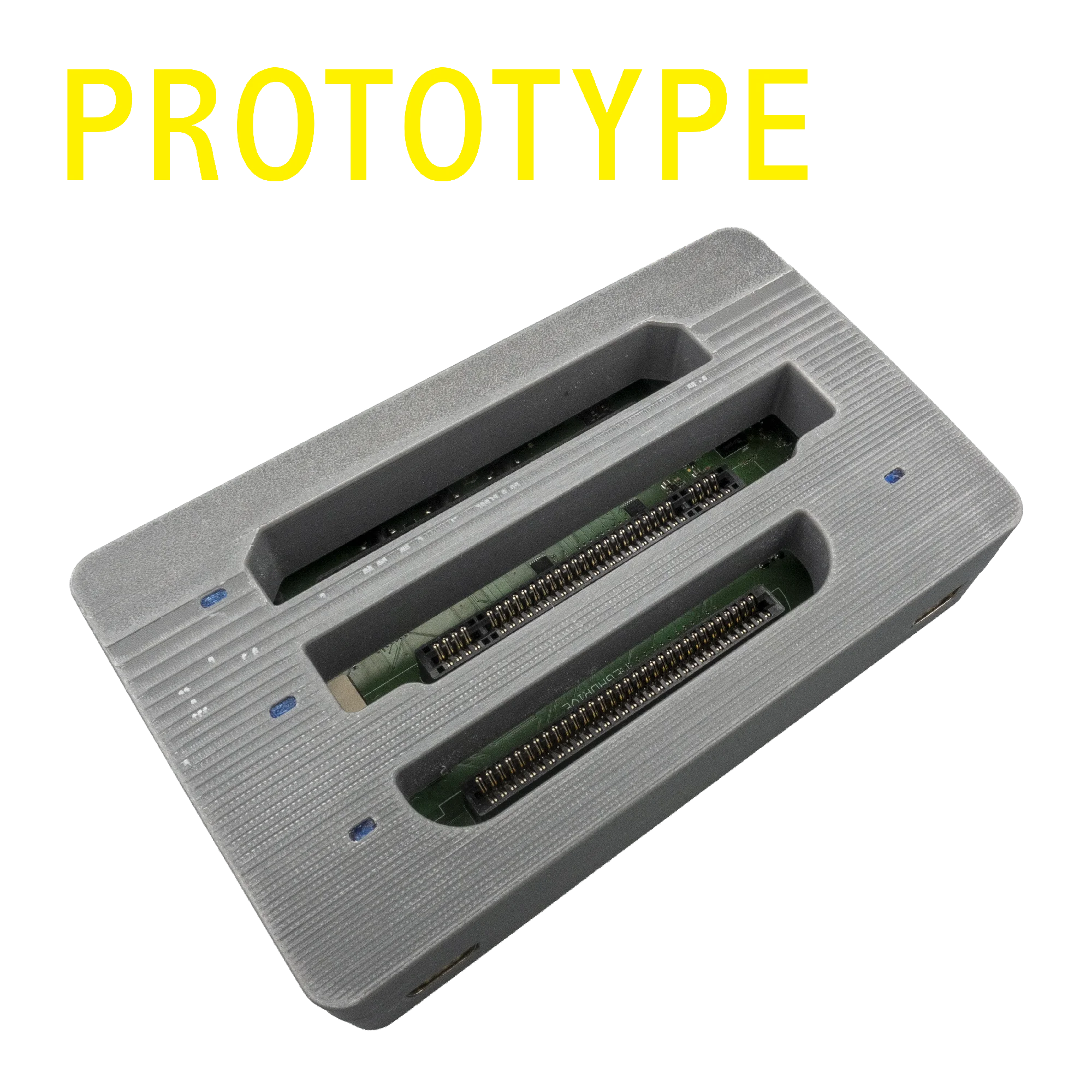
- Cartridge slots for *Sega Mega Drive/Genesis, *Nintendo SNES/SFC and – new – *NES games. Access ROM (program/data) and SRAM (save games).
- Controller ports for *Sega and *SNES controllers, which appear as standard USB gamepads.
- MIPS processor running Debian Linux. The OS boots from an SD card, so updates are simple and the device is practically unbrickable – just flash a new image.
- Operated entirely through a web browser: the Retrode3 registers as a USB-Ethernet device and works on any modern OS (Windows, macOS, Linux, …) without drivers.
- Built-in Wi-Fi: dump over the network, store ROMs on a server, and update game databases (e.g. No-Intro) or the operating system online.
- Fully open source – both the software and the hardware design are freely available.
- Expandable through plug-in adapters. Thanks to a hardware connection similar to Sanni’s Cart Reader, its plugins should work; Retrode2 plugin support is planned but not yet confirmed.
- Writes flash carts (e.g. the DragonDrive for Mega Drive; SNES and Lynx available at launch) – ideal for homebrew developers to test games or produce small series.
- Made in Germany1.
* These trademarks of other manufacturers are used solely to identify certain products. We are in no way associated or affiliated with their owners.
1 Made in Germany – built by free, fairly-paid adults. Yes, it’s a little sad that this still counts as a “feature”, but unlike the cheapo gadget plants you hear about on the news, we prefer it this way.
How it works
- Plug in cartridge and controllers. Of course, using only a cartridge or only a controller is perfectly fine too.
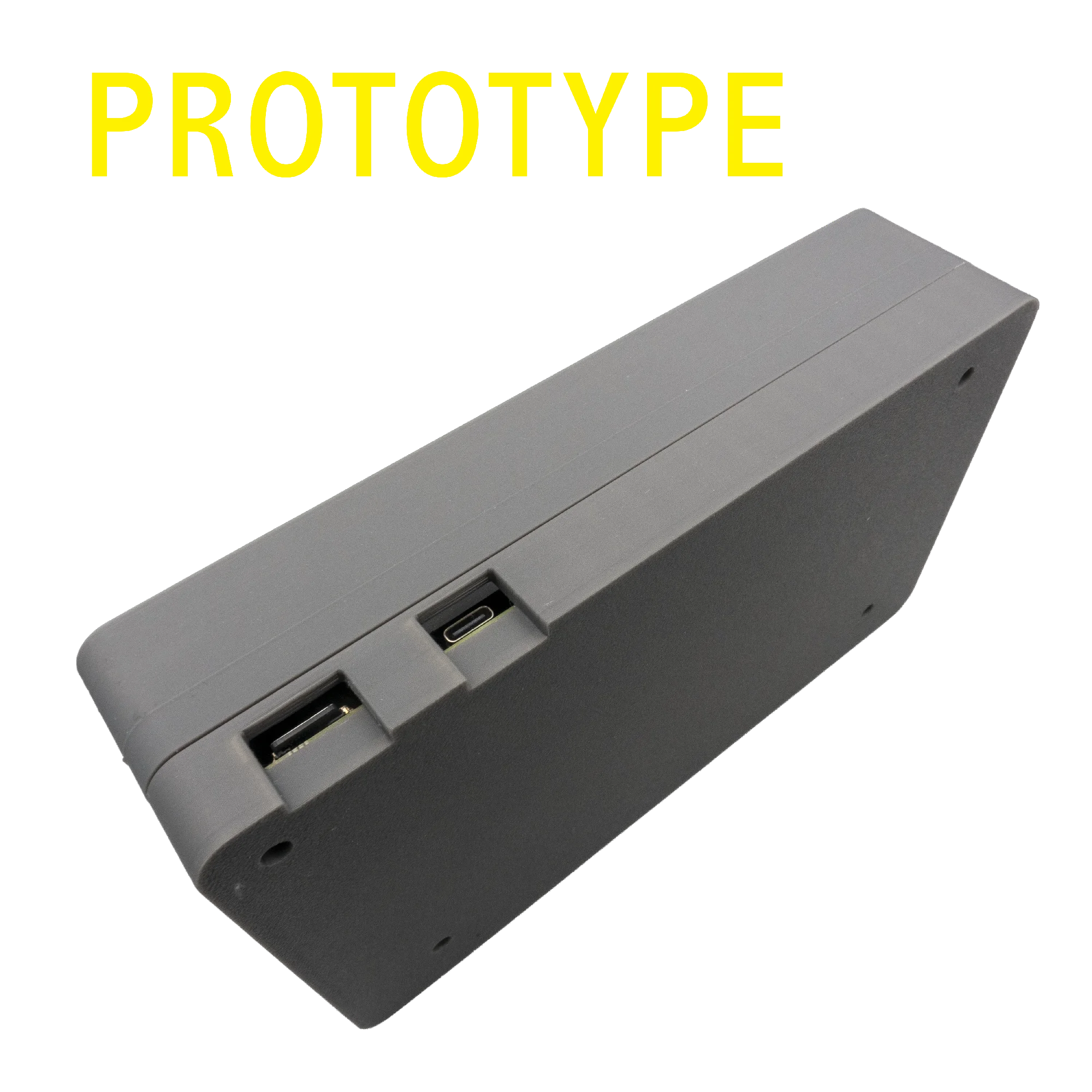
- Connect the Retrode3 to your computer via USB. It shows up as a network device – no drivers needed. Alternatively, power it anywhere via USB and reach it over Wi-Fi.
- Open the local address in your browser. From there you copy ROMs and save games and configure Wi-Fi, IP address and more.
- Play – or develop! Load the ROM into your emulator, or write your own game to a flash cart.
Open Source
The complete source code and hardware design are freely available:
- Adaptation of Sanni’s Cart Reader (CLI): github.com/DragonBox-Shop/retrode3-oscr
- Kernel: github.com/DragonBox-Shop/retrode3-kernel
- User space: github.com/DragonBox-Shop/retrode3
- Hardware design: github.com/DragonBox-Shop/retrode3-hardware
Availability
The hardware is finished and we are currently working on the software. We are aiming for availability by the end of the year; an exact date and the final price (target: under EUR 100) are still to be confirmed. The Retrode3 cannot be ordered yet – you can sign up to be notified at our friends at DragonBox: Retrode3 at DragonBox.
Pictures